Gigabit fibre switch SFP + RJ45 — 1 to 8 fibre ports, unmanaged
Unmanaged switches that connect your fibre links to your Ethernet devices: an SFP module in each fibre port, your PCs, NAS, cameras or router on the Gigabit RJ45 ports. No configuration: plug in the power and the cables and the switch works. SFP modules are not included: plan one per fibre port you use. Start with the number of fibres to connect.

Choose my Gigabit switch in 30 seconds
Two questions — we show you the switch with the right number of fibre and RJ45 ports. SFP modules are ordered separately.
Pick an answer to step 1 first.
In stock in France — ships within 24 to 48 h.
-
Sale!
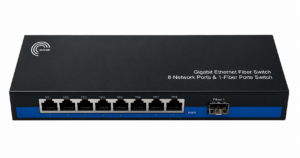
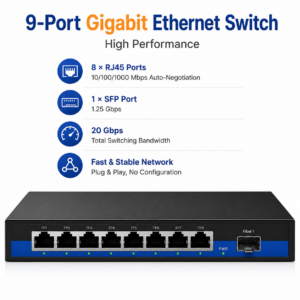
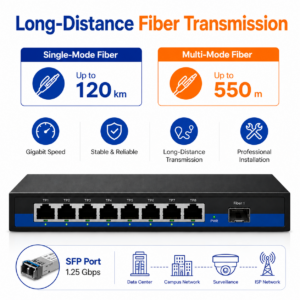
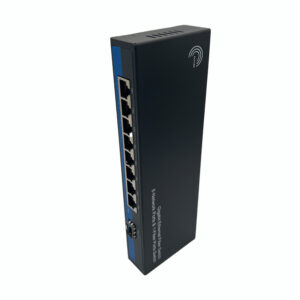
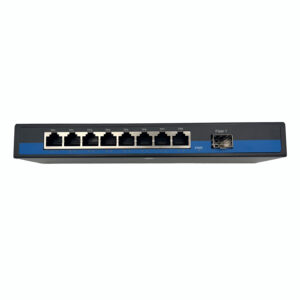
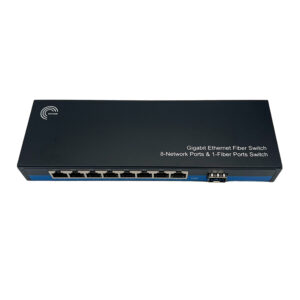
Ethernet switch 9 Gigabit ports 1 SFP and 8 RJ45, 20 Gbps bandwidth, fiber up to 120 km, Marvell chipset, compact metal case 260 × 68 × 21 mm, 5 V 2 A power supply supplied
2 comments Original price was: 59,99 €.54,99 €Current price is: 54,99 €. + -
Sale!
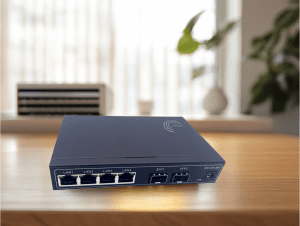
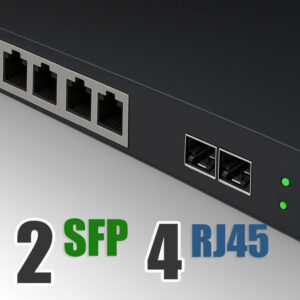
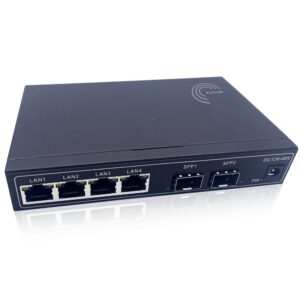
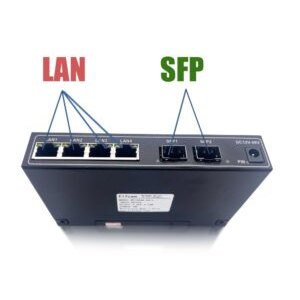
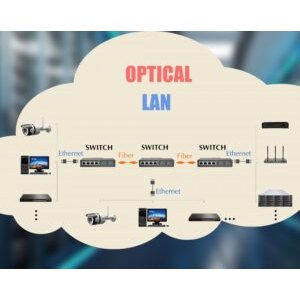
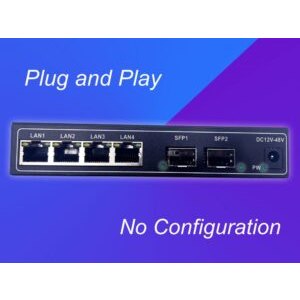
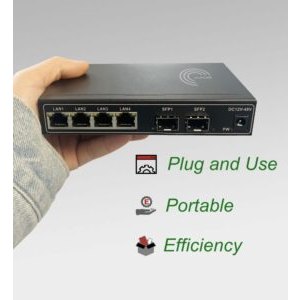
Gigabit Ethernet Switch with 2 SFP Ports and 4 10/100/1000Mbps Ethernet Ports, Unmanaged Plug & Play, Robust Metal (2 SFP Ports)(Ref: 13580)
9 comments Original price was: 79,99 €.47,99 €Current price is: 47,99 €. +
-
Sale!
Ethernet switch 9 Gigabit ports 1 SFP and 8 RJ45, 20 Gbps bandwidth, fiber up to 120 km, Marvell chipset, compact metal case 260 × 68 × 21 mm, 5 V 2 A power supply supplied
2 comments Original price was: 59,99 €.54,99 €Current price is: 54,99 €. + -
Sale!
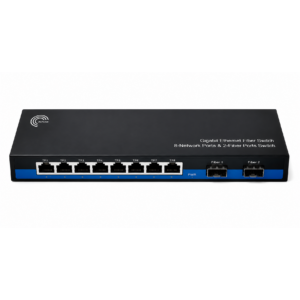
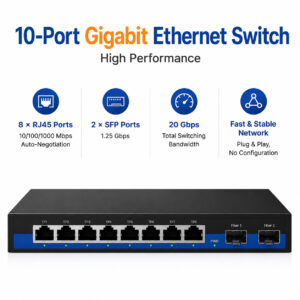
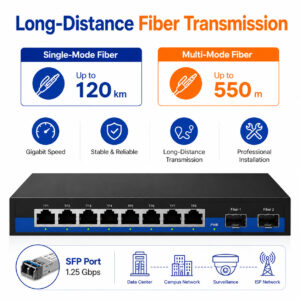
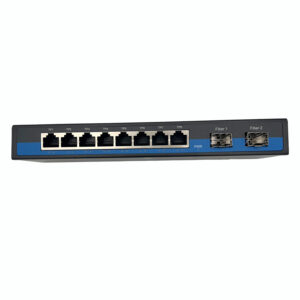
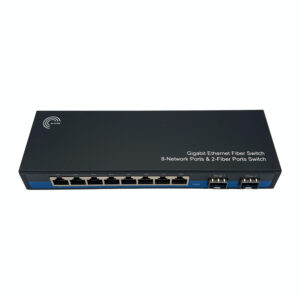
Elfcam – Ethernet switch 2 SFP ports and 8 RJ45, 20 Gbps bandwidth, distances up to 120 km, Marvell chipset, metal housing 260 × 68 × 21 mm, 5 V 2 A power supply included
4 comments Original price was: 69,99 €.65,99 €Current price is: 65,99 €. +
-
Sale!
Gigabit Ethernet Switch with 2 SFP Ports and 4 10/100/1000Mbps Ethernet Ports, Unmanaged Plug & Play, Robust Metal (2 SFP Ports)(Ref: 13580)
9 comments Original price was: 79,99 €.47,99 €Current price is: 47,99 €. + -
Sale!
Elfcam – Ethernet switch 2 SFP ports and 8 RJ45, 20 Gbps bandwidth, distances up to 120 km, Marvell chipset, metal housing 260 × 68 × 21 mm, 5 V 2 A power supply included
4 comments Original price was: 69,99 €.65,99 €Current price is: 65,99 €. +
-
Sale!
Elfcam – Ethernet switch 2 SFP ports and 8 RJ45, 20 Gbps bandwidth, distances up to 120 km, Marvell chipset, metal housing 260 × 68 × 21 mm, 5 V 2 A power supply included
4 comments Original price was: 69,99 €.65,99 €Current price is: 65,99 €. + -
Sale!
Gigabit Ethernet Switch with 2 SFP Ports and 4 10/100/1000Mbps Ethernet Ports, Unmanaged Plug & Play, Robust Metal (2 SFP Ports)(Ref: 13580)
9 comments Original price was: 79,99 €.47,99 €Current price is: 47,99 €. +
-
Sale!
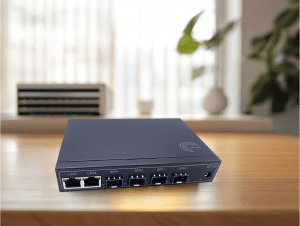
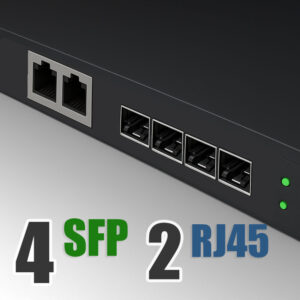
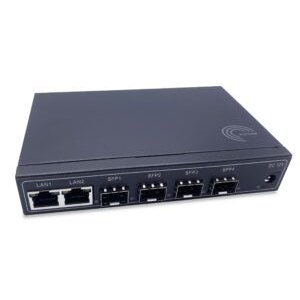
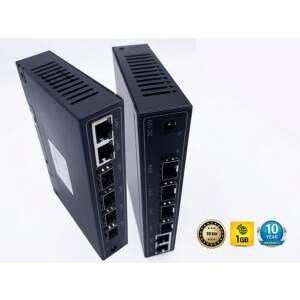
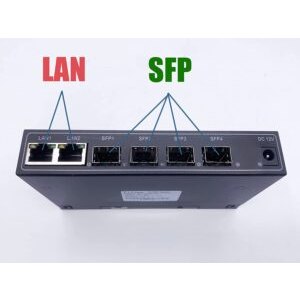
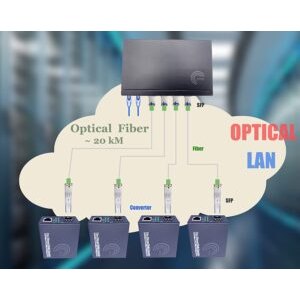
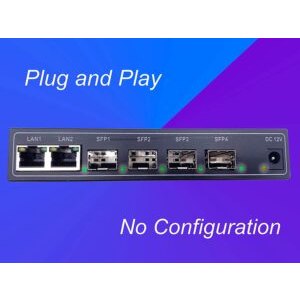
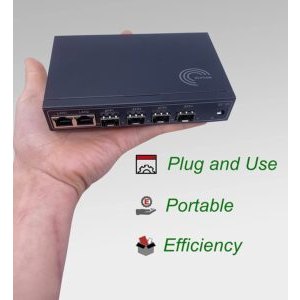
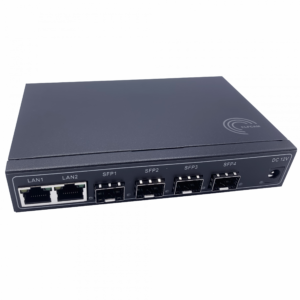
Gigabit Ethernet Switch with 4 SFP Ports and 2 10/100/1000Mbps Ethernet Ports, Unmanaged Plug & Play, Robust Metal (4 SFP Ports) (Ref:7526)
9 comments Original price was: 89,99 €.79,99 €Current price is: 79,99 €. + -
Sale!
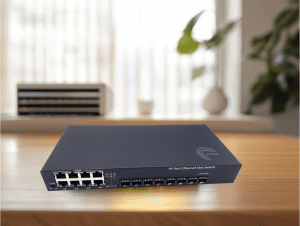
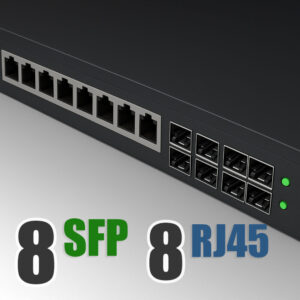
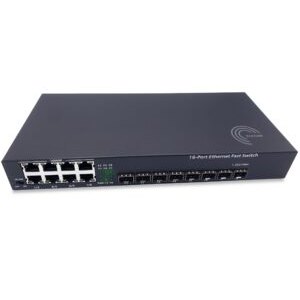
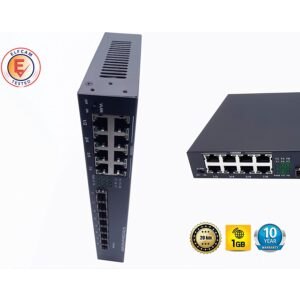
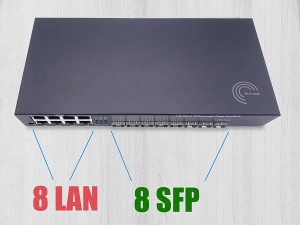
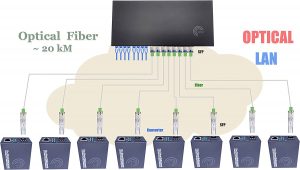
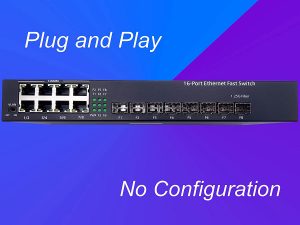
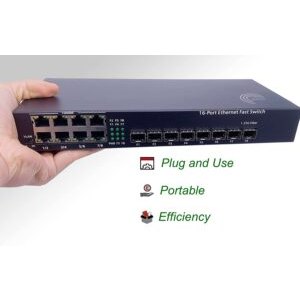
Gigabit Ethernet Switch with 8 SFP Ports and 8 10/100/1000Mbps Ethernet Ports, Unmanaged Plug & Play, Robust Metal (8 SFP Ports) (Ref:7519)
6 comments Original price was: 169,99 €.149,99 €Current price is: 149,99 €. +
-
Sale!
Gigabit Ethernet Switch with 4 SFP Ports and 2 10/100/1000Mbps Ethernet Ports, Unmanaged Plug & Play, Robust Metal (4 SFP Ports) (Ref:7526)
9 comments Original price was: 89,99 €.79,99 €Current price is: 79,99 €. + -
Sale!
Elfcam – Ethernet switch 2 SFP ports and 8 RJ45, 20 Gbps bandwidth, distances up to 120 km, Marvell chipset, metal housing 260 × 68 × 21 mm, 5 V 2 A power supply included
4 comments Original price was: 69,99 €.65,99 €Current price is: 65,99 €. + -
Sale!
Gigabit Ethernet Switch with 2 SFP Ports and 4 10/100/1000Mbps Ethernet Ports, Unmanaged Plug & Play, Robust Metal (2 SFP Ports)(Ref: 13580)
9 comments Original price was: 79,99 €.47,99 €Current price is: 47,99 €. +
See the full range → Can't find it? Request a custom quote →
1 or 2 fibre links + your local network
A fibre comes in from another building, a comms room or a remote camera, and you have several devices to plug in over RJ45. 1 SFP + 8 RJ45 (29448), 2 SFP + 8 RJ45 (29441) or, more compact, 2 SFP + 4 RJ45 (13580).
-
Sale!
Gigabit Ethernet Switch with 2 SFP Ports and 4 10/100/1000Mbps Ethernet Ports, Unmanaged Plug & Play, Robust Metal (2 SFP Ports)(Ref: 13580)
9 comments Original price was: 79,99 €.47,99 €Current price is: 47,99 €. + -
Sale!
Ethernet switch 9 Gigabit ports 1 SFP and 8 RJ45, 20 Gbps bandwidth, fiber up to 120 km, Marvell chipset, compact metal case 260 × 68 × 21 mm, 5 V 2 A power supply supplied
2 comments Original price was: 59,99 €.54,99 €Current price is: 54,99 €. + -
Sale!
Elfcam – Ethernet switch 2 SFP ports and 8 RJ45, 20 Gbps bandwidth, distances up to 120 km, Marvell chipset, metal housing 260 × 68 × 21 mm, 5 V 2 A power supply included
4 comments Original price was: 69,99 €.65,99 €Current price is: 65,99 €. +
4 to 8 fibre links — several sites on one switch
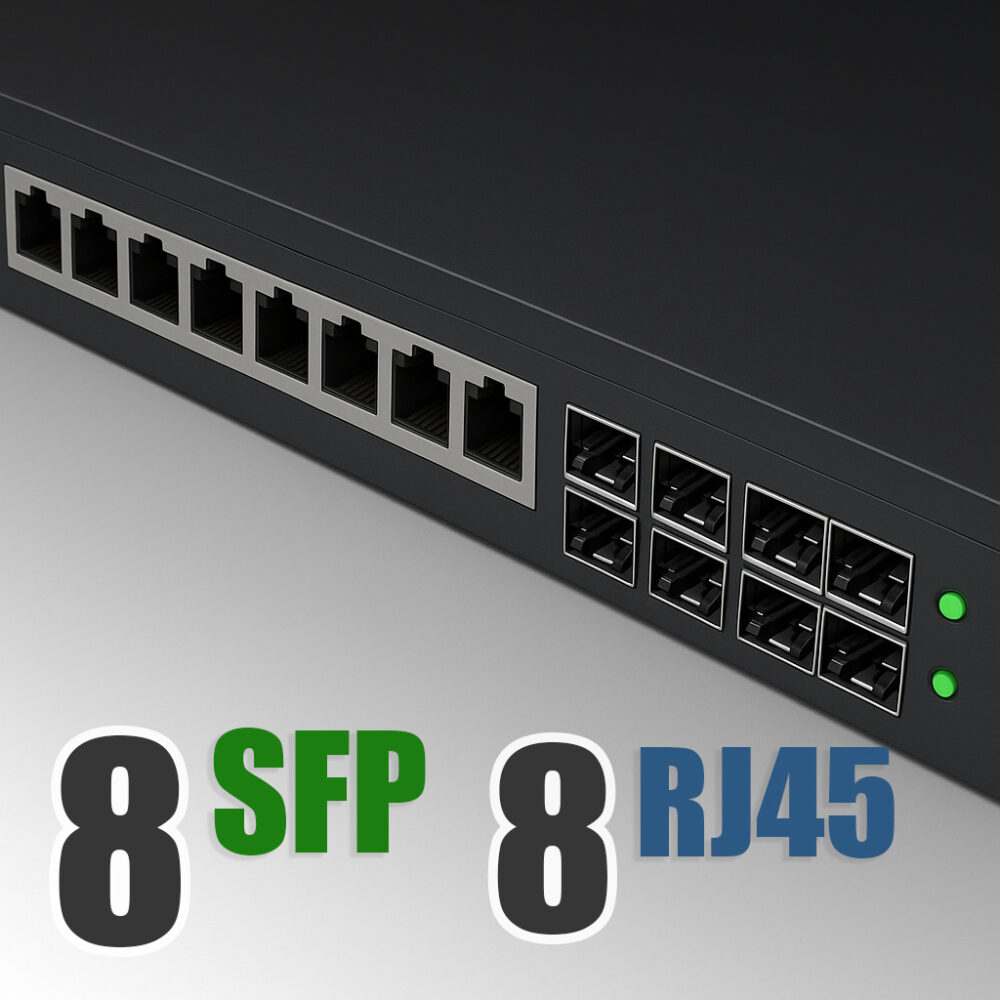
Each SFP port serves a building, a room or a remote camera. 4 SFP + 2 RJ45 (7526) to bring a few sites together; 8 SFP + 8 RJ45 (7519) for eight links, with a VLAN switch on the front panel to isolate the ports.
-
Sale!
Gigabit Ethernet Switch with 4 SFP Ports and 2 10/100/1000Mbps Ethernet Ports, Unmanaged Plug & Play, Robust Metal (4 SFP Ports) (Ref:7526)
9 comments Original price was: 89,99 €.79,99 €Current price is: 79,99 €. + -
Sale!
Gigabit Ethernet Switch with 8 SFP Ports and 8 10/100/1000Mbps Ethernet Ports, Unmanaged Plug & Play, Robust Metal (8 SFP Ports) (Ref:7519)
6 comments Original price was: 169,99 €.149,99 €Current price is: 149,99 €. +
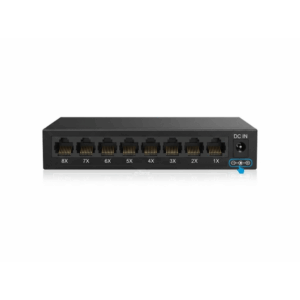
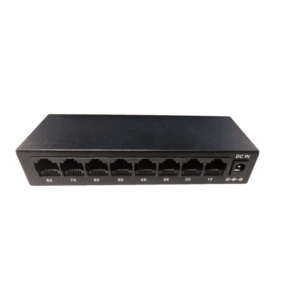
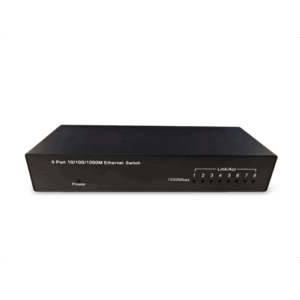
No fibre — 8-port Gigabit RJ45 switch
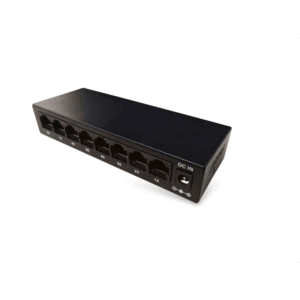
If no fibre reaches the switch, there is no point paying for SFP ports: this model only has Gigabit RJ45 ports, to add network sockets to an office or a living room.
What these switches give you
Plugged in, up and running
Unmanaged switches: no interface or password to set. Plug in the power, the fibre and the Ethernet cables, and the network works.
Full speed on the ports
Non-blocking architecture claimed on 13580 and 7526: every port at full speed at the same time. 20 Gbps of bandwidth claimed on 29448 and 29441.
Distance depends on the SFP module
The switch takes the SFP module that matches your fibre. With common modules the link reaches about 20 km; 29448 and 29441 are rated up to 120 km with a long-range module.
Metal housing, discreet
Every model is metal. 13580, 7526 and 28773 are fanless, so silent; 13580 and 7526 have ears for wall mounting.
Switch comparison
The six models in the menu, side by side.
| Ref. | SFP ports | RJ45 ports | Power | Note | Use |
|---|---|---|---|---|---|
| 29448 | 1 | 8 | 5 V 2 A, adapter supplied | Marvell chipset | 1 fibre + up to 8 devices |
| 29441 | 2 | 8 | 5 V 2 A, adapter included | Marvell chipset | 2 fibres + up to 8 devices |
| 13580 | 2 | 4 | See the product page | Mounting ears | 2 fibres + 4 devices |
| 7526 | 4 | 2 | 12 V DC | Mounting ears | 4 remote sites over fibre |
| 7519 | 8 | 8 | See the product page | VLAN switch | 8 remote sites over fibre |
| 28773 | — | 8 | DC 5–12 V | No fibre port | More RJ45 sockets, no fibre |